Your brand new website just went live, and you’re buzzing from all the oohs and aahs. After months of collaboration on design, content, and functionality, everything fits right into place. The new site is fast, looks incredible, and will add a ton of value to your business.
Then comes the moment that separates a good launch from a great one: you and your team learning how to use it the right way.
I wrote about what happens after your website goes live with the ongoing maintenance, strategy, and optimization. But before any of that happens, your team needs to know how to use the site. Training sessions are where you gain that confidence.
No Generic WordPress Tours
You don’t need a walkthrough of every WordPress feature. Once your web design or web development work wraps up, you need to know the specific tasks your team will handle week to week without all the extra fluff.
Before we schedule training, we figure out what tasks matter most to you:
- Adding or removing team members
- Managing member registrations
- Routing form submissions where they need to go
- Managing custom post types (if your site calls for them)
- Publishing consistent-looking blog posts
- Updating event calendars
When we trained the Georgia Department of Education on their new Culinary Hub, we worked with both the core team and individual chefs who needed to manage menus and recipes. We also trained them to build simple documentation so they could show cafeteria managers how to use the custom menu matrix. That training looked completely different from what we did for an ecommerce site managing 100,000+ ventilation parts.
Customizing the agenda based on your actual needs means you walk away knowing what you need. When we show you how to add a blog post, you’re already thinking about next week’s announcement instead of wondering if you’ll ever use the feature. You get the flexibility to add, edit, or remove content on your own without calling in a developer.
A Training Agenda Built Around You
Training happens right before launch or shortly after your site goes live. We want the information fresh when you start using the site, and we want to train on the actual live environment.
We prep a customized agenda based on your team’s needs:
- Complex functionality like member databases gets priority if you manage them
- Text and image updates get the focus if your site is simpler
- We coordinate schedules to get the right people on the call
The person publishing blog posts might need different training than the person managing product inventory. I always suggest sending over specific questions or items that come up leading up to the training so we can address that directly during our session. The more you tell us what’s on your mind, the more instructive the training will be.
Live Walkthrough with Full Recording
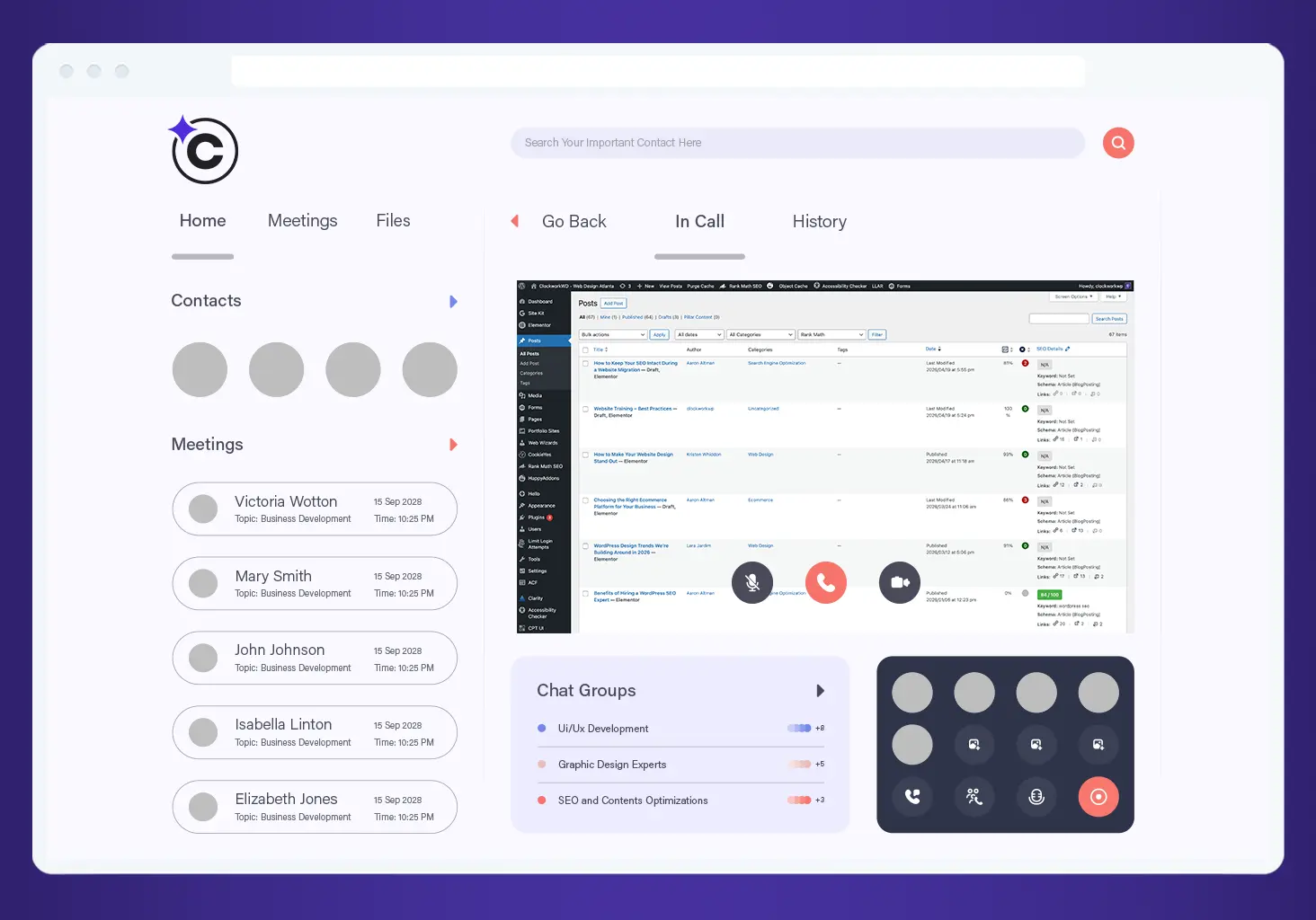
During training, we walk through each task on your agenda and show you exactly how to complete common updates like the ones I mentioned earlier. You also get a full recording of the session with a detailed transcript.
Six months from now, when you need to remember how to update that header image, you can search the transcript and jump to that section. You don’t need to pick up a phone or send off an email. You can manage routine updates yourself (if that’s your goal) because you know exactly where to find answers.
Everyone learns differently, and what clicks for one person might confuse another. The recording and transcripts should help everyone on your team. We encourage questions during the session because those Q&A moments often contain the most useful information. They’re in the recording, too.
A Reference Library For New Hires
The recording and transcript can be saved in your internal shared drive where all your website materials live. You and your team can review training anytime or share videos with new employees who miss the initial session. If you add a team member next year, you still have these training resources ready to go.
Taking notes during the call is always helpful as well. The recording handles the details, but your notes capture what matters specifically to your role, responsibilities, and learning style.
Your 30-Day Warranty Starts at Launch
For the first 30 days after your site goes live, we troubleshoot anything giving you trouble. If new questions come up in that window, we make additional tutorial videos and share them with you. You end up with a complete reference library so you always know where to find answers.
One practical tip I hear from clients? Use what you learned within a few days of training. Try adding a test blog post, updating a team member photo, or swapping out an image to understand the workflow. The more you practice while the information stays fresh, the more confident you get.
Once the 30-day warranty wraps up, you’ve still got options. Our ticket system stays open when you need us. Some clients handle routine changes themselves and reach out just for complex problems or when they want a periodic refresh to keep the site sharp. Good training means you get to choose what works best for your team.
Your Site, Your Timeline, Your Edits
Training isn’t about turning you into a WordPress developer. That’s what we’re here for! The goal is giving you the skills to keep your site current while we handle the technical work.
When you know how your site works, you make edits without worrying you’ll break something. We configure security, speed, and technical stuff during your build so everything hums along. You handle the routine stuff like adding content, updating images, and publishing posts. That peace of mind goes a long way, especially if your website drives much of your business.
Ready to start your next website project? Let’s talk about your goals and how we can build something that empowers your team from launch day forward.
Frequently Asked Questions
When does training usually happen?
Training typically happens right before launch or within the first week after your site goes live. We coordinate timing based on your team’s availability and when you’ll start managing content.
How long does website training take?
Most sessions run 60-90 minutes, depending on how many features your team needs to learn. We’re happy to send video tutorials for any specific questions after that. You can also always send us a ticket.
What if we hire someone new who missed the training?
We encourage you to save the recorded training and transcript in your internal shared drive. New team members can watch the recording, and we can schedule brief follow-up sessions if and when needed.
Can you train multiple people with different roles?
Absolutely. We often customize training for different team members based on what they’ll do and we ensure it is covered in the training agenda.
What if we forget something from training?
The recording and transcript serve as your reference library. Search the transcript for specific topics and jump to that section of the video. If you need additional help, we’re always here.
Do you offer ongoing training for new features?
Yes. Sometimes clients rebuild their website in phases. When we add new functionality to your site, we create additional tutorial videos so you can add them to your training folder. Your resource library grows as your site evolves.