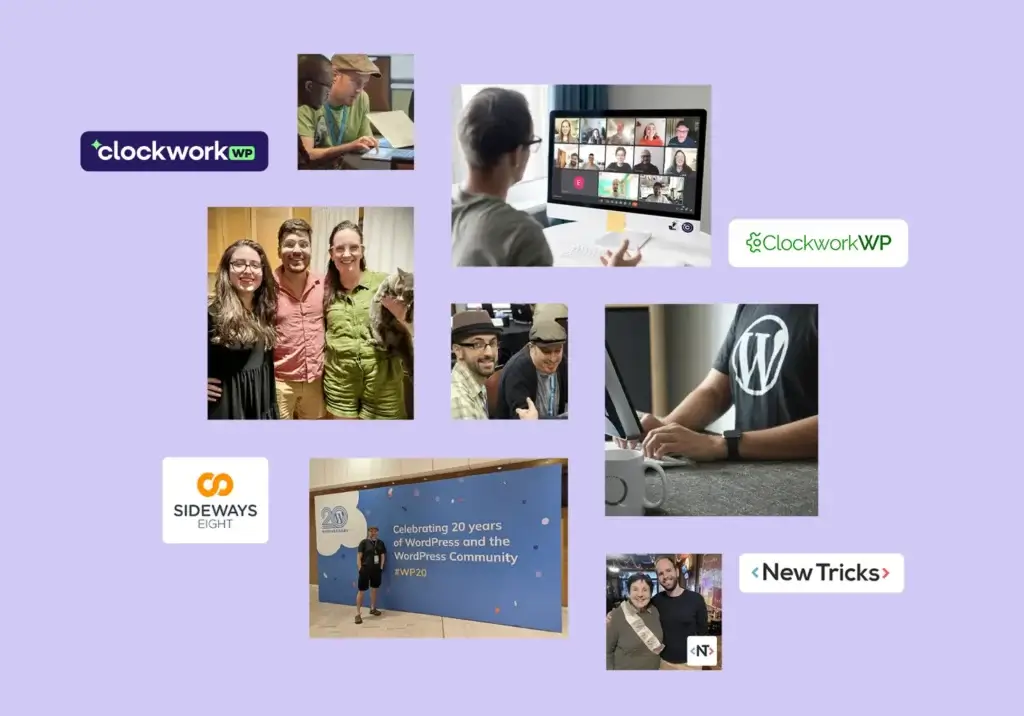
I have been working at Clockwork Web Development for seven years, and building websites since 1996. For the past 18 years, WordPress has been my primary tool of choice, and I’ve been lucky enough to travel around the world to talk about the ecosystem. I used WordPress because it made building sites much faster. It eventually became somewhat of the industry standard, and I still love the incredible community.
However, the web is evolving at lightspeed with no signs of slowing down. We are currently experiencing a massive shift in how websites are built and deployed. That’s why I am thrilled to announce that Clockwork Web Dev is officially expanding our development toolkit to include newer web frameworks like Astro.
This shift brings up an interesting question. Are we moving into a post-CMS, AI-first world? Let me walk through where I see websites heading, and how we’re prepared.
The Problem With the Default CMS Choice
For a long time, building a website meant setting up a database and installing a Content Management System. It was just how things were done. But recently, the landscape and available tools have started to change. By my calculations, WordPress is losing market share to the tune of about 150,000 sites a month. Every single day, thousands of people are choosing to build with something else.
While visitors might not be actively knocking on your door to demand a different way of doing websites, we might as well take advantage of more speed and better security if a site does not really need to be database-driven. That means when a website is mostly static with very little change, skipping the database just makes sense. Recent events in the WordPress ecosystem have also served as a wakeup call, showing that leaning on a single platform can carry risks nobody planned for.
Do not get me wrong. WordPress obviously still has its place, and we will continue building with it. Maintaining nearly half of the total CMS market share is a jaw-dropping accomplishment. The platform handles complex, highly dynamic content better than almost anything on the market. What we’re seeing is that defaulting to a CMS for every project can hold back some sites where a lighter solution might work better.
Think about a standard marketing website: If you have a clean, five-page site that rarely changes, a full CMS brings a lot of unneeded baggage. Every time a user clicks a link, the server has to query a database, assemble the page, and send it back. You also have to deal with the constant headache of plugin updates, core updates, and the security vulnerabilities that come with having an active database connected to the internet.
Enter the Static Website Era With Astro
This is where Astro comes in. Astro is a modern web framework built to produce incredibly fast, static websites. Rather than querying a database to build each page when users ask for it, Astro prepares your entire site ahead of time. A visitor’s browser loads lightweight files that appear almost instantly. It is designed to be fast by default, to the point that the team behind it aims to make building a slow site genuinely hard to do.

Skipping the database brings you three real advantages:
- Speedy and lightweight. Without a database to query or heavy backend work on every visit, an Astro site loads almost instantly. Faster pages hold attention, convert more visitors, and earn better search rankings, while a slow site loses people before they ever see it.
- Security comes almost for free. There is no database to breach, no admin login to attack, and no outdated plugins to hijack. An entire category of common security vulnerabilities for WordPress disappear if you have a static site.
- Cheaper and easier to keep up. Without a stack of plugins and core updates to stay on top of, there is less that can break and less to maintain. A straightforward rebuild can also come together quickly, since we move your existing site into a faster, cleaner setup rather than starting from zero.
Static does not mean frozen or bare-bones. Without getting too technical, Astro uses an approach it calls islands, where the page loads as fast static content. Only the pieces that truly need to move, like an image carousel or a booking form, load their own small bit of code. Visitors still get the interactive features and custom animations they expect.
Astro vs Headless WordPress: What’s the Difference?
We have built headless WordPress websites, where the view front end visitors see is split off from the WordPress system that manages the content behind it. It runs on the same basic idea as a static build where we keep the fast public-facing part of the site separate from the heavy machinery behind it.
The main difference from an Astro build is that a headless WordPress build is bigger and much more expensive. A headless WordPress setup is a great fit for enterprise sites with heavy traffic and complex functionality needs. Most businesses do not need to go that far, and an Astro rebuild brings much of the same speed and security to a standard marketing site for far less.
The payoff is similar in both cases. The fast, frontend of a site stays separate from the heavy backend behind it, so pages load quicker and there is a much smaller target for anyone trying to break in.
How we use AI on these builds – Our developers use AI coding assistants like Claude Code to move faster through the routine parts of a build, and Astro is made to work well with them. They work from current, accurate information, and a developer reviews everything before it goes live.
The Role of AI in How We Build
AI is also changing how we build, not only what we build with. We use leading models like Claude and Gemini for heavy code generation and quick prototyping, and we run smaller models like Google’s Gemma on our own hardware whenever a project involves sensitive data we would rather keep off the cloud.
What changes is where our time goes, not who is in charge. The repetitive grunt work happens faster, which frees the team for the design, problem-solving, and deeper development work that a person still has to do.
|
|
Building without AI
|
How we build now
|
|---|---|---|
|
Boilerplate and repetitive code
|
Written by hand, hours per build
|
Drafted in minutes, then reviewed line by line
|
|
Trying out ideas
|
Slower, so testing options takes much longer
|
Rapid, so we come to clear recommendations more quickly
|
|
Design and architecture decisions
|
Made by our team
|
Made by our team
|
|
Where our hours go
|
Split between grunt work and craft
|
Weighted toward creative, in-depth work
|
|
What actually ships
|
Reviewed and approved by us
|
Reviewed and approved by us
|
That does not mean we dump a project into an AI and walk away. These tools work more like a well-trained assistant that handles the tedious parts faster than we could, not a replacement for real judgment. Every build still moves through our own workflow, where a specialist reviews the work and we make the final call on what actually ships.
This also doesn’t mean we are abandoning our roots. If your business needs a complex e-commerce setup, a massive membership portal, or a daily publishing schedule, a database-driven CMS might still be best. But we want to offer our clients the absolute best tools and price for their needs, whether that’s WordPress or a static build in Astro.
Rebuild on Astro for Speed and Lower Upkeep
That is why we are now offering complete website rebuilds using Astro.
If you have a WordPress site that feels bloated, slow, or expensive to keep up, we can take your existing site and move it into a modern, faster design that is easy to maintain. Reworking or adding content can stretch the timeline, but a static site has so much less to patch and maintain that it usually costs less to keep running over time.
We handle the heavy lifting with a modern set of tools. Astro builds the site, we use Tailwind CSS to keep the styling clean and consistent, and an edge host like Vercel serves your lightweight pages from servers close to each visitor so they load quickly no matter where someone is accessing your site. You eliminate the bloat, drop the maintenance headaches, and give your visitors a much better user experience.
If you are tired of the constant updates, and want to see how fast your website could truly be, reach out to us at Clockwork Web Dev. Let’s talk about this new AI-supported workflow, look beyond the database, and bring your site into the modern era.
Frequently Asked Questions
What is the difference between ADA Title II and Title III?
Title II covers state and local government entities, including public schools, universities, municipalities, and transit authorities. Title III covers private businesses and nonprofits that serve the public, known as public accommodations. Both titles have been applied to websites and digital services, but they differ significantly in how compliance is defined and enforced. Title II now has a codified federal standard with specific deadlines. Title III has no federal deadline but carries active litigation risk, and courts frequently apply the same WCAG standard in cases against private organizations.
Does my nonprofit website need to be ADA accessible?
Most nonprofits fall under Title III as public accommodations, not Title II. There is no federal compliance deadline, but that doesn’t eliminate legal exposure. Title III lawsuits against nonprofits and private organizations have increased steadily, and the absence of a hard deadline has not reduced litigation activity. If your nonprofit provides services online and serves the public, treating WCAG 2.1 AA as your accessibility target is a reasonable place to land. Our free accessibility audit is a low-stakes way to get an outside read on where your site stands.
Is there a federal deadline for private business website accessibility?
No. The compliance deadlines in the news right now apply specifically to government entities under Title II. Private businesses and nonprofits under Title III are not subject to a codified federal deadline for web accessibility. The DOJ has consistently treated inaccessible websites as potential ADA violations for businesses open to the public, and private litigation under Title III has grown every year. Compliance is effectively required at all times under the law’s general nondiscrimination mandate, even without a deadline attached.
How do I know if my website currently meets accessibility standards?
A combination of automated scanning and hands-on testing gives you the most accurate starting point. Free tools like WAVE and Axe DevTools surface a portion of issues quickly, but manual testing with a keyboard and screen reader catches the problems automated tools miss. Our free ADA accessibility audit covers both approaches and delivers a prioritized report so you know what to address first.